
>

Blog

How to Edit Your Social Media Videos in CapCut

Mar 1, 2026

5 CapCut tips from editing 537 videos in a year

  1. Use animations for each clip to make it seem more “bouncy”

My favorites?

  • Shake Slide

  • Zoom 1

  • Horizontal Blur

  • Spin Up 2

  • Swing Bottom

  • Side Slide

  • Scroll Up

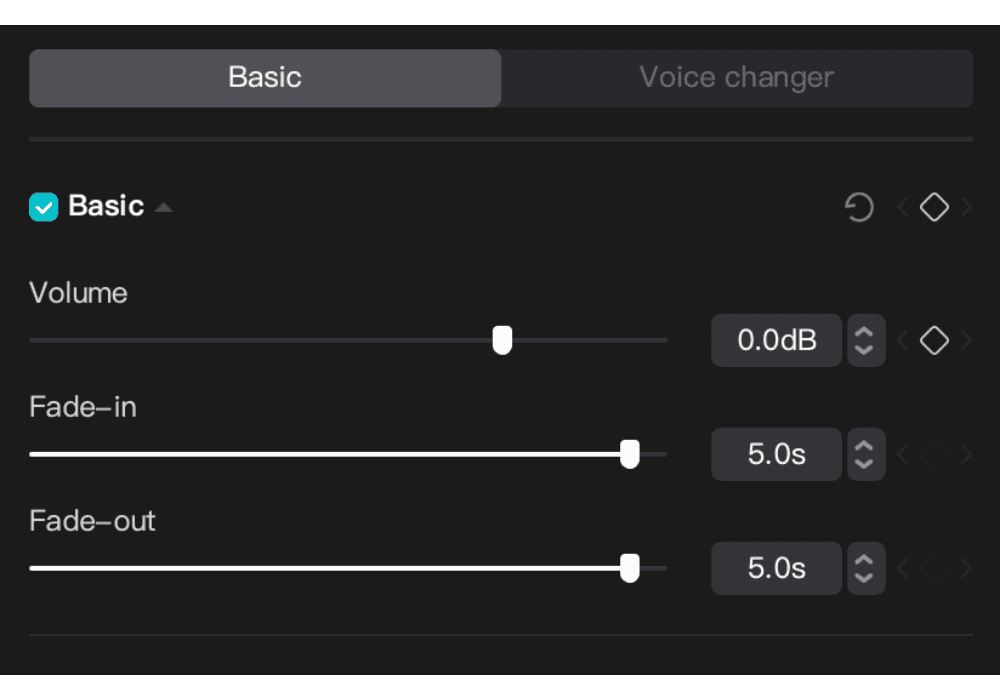
  1. When adding background music to a video with speaking, fade the music in and out for 5 seconds
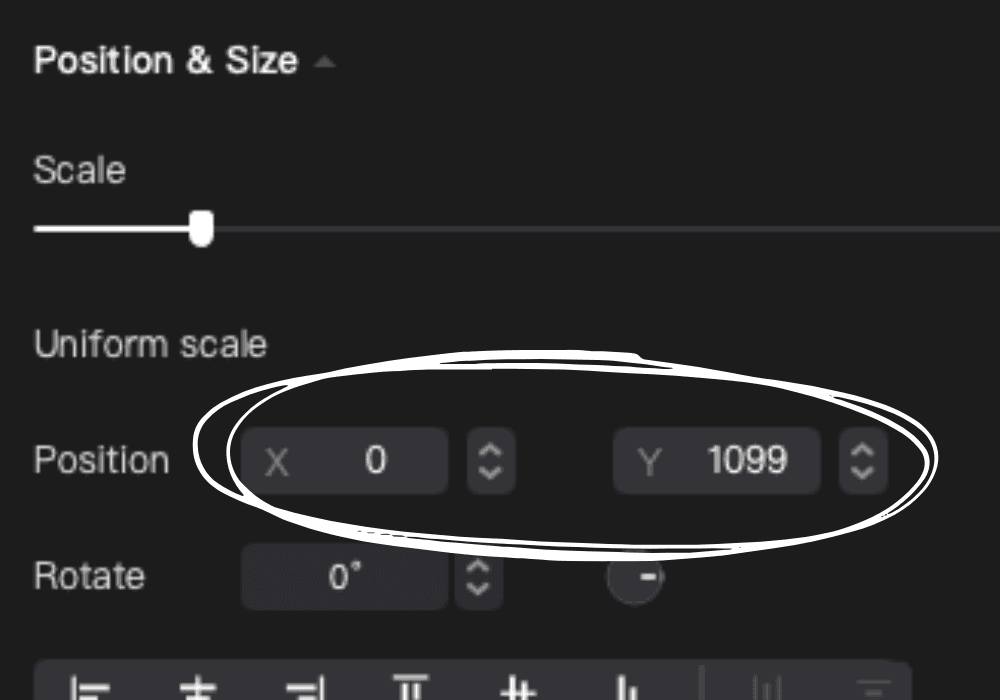
  1. Use the X and Y axis to adjust caption placement and make sure everything lines up
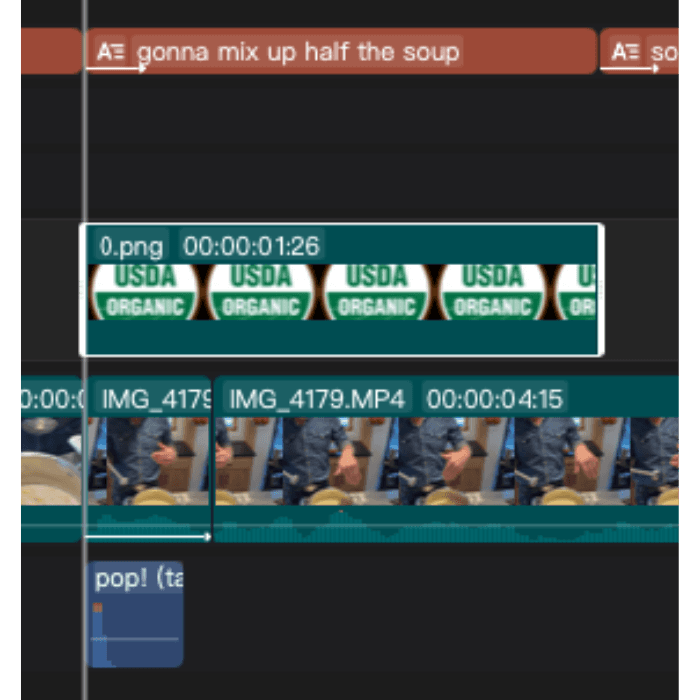
  1. Pop up .pngs and paired with sound effects are an elite combination

Fresh From The Content Kitchen

Read More

Picnic Studio

based in Denver & Indianapolis, serving clients across the country

hello[at!]annamadeblog.com

Join 400+ Insiders…

No spam here! Unsubscribe anytime.

Copyright © 2022-2026 Picnic Studio. All Rights Reserved.

Picnic Studio

based in Denver & Indianapolis, serving clients across the country

hello[at!]annamadeblog.com

Join 400+ Insiders…

No spam here! Unsubscribe anytime.

Copyright © 2022-2026 Picnic Studio. All Rights Reserved.

Picnic Studio

based in Denver & Indianapolis, serving clients across the country

hello[at!]annamadeblog.com

Join 400+ Insiders…

No spam here! Unsubscribe anytime.

Copyright © 2022-2026 Picnic Studio. All Rights Reserved.